
Description
Product description



FIND OUT MORE
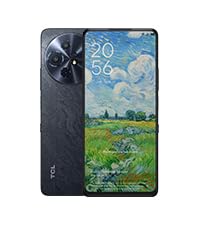
TCL 60 XE NXTPAPER 5G
|

TCL NXTPAPER 11 Plus
|
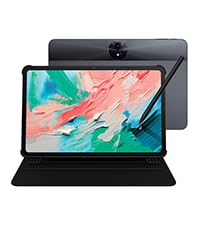
TCL NXTPAPER 11 Gen 2
|
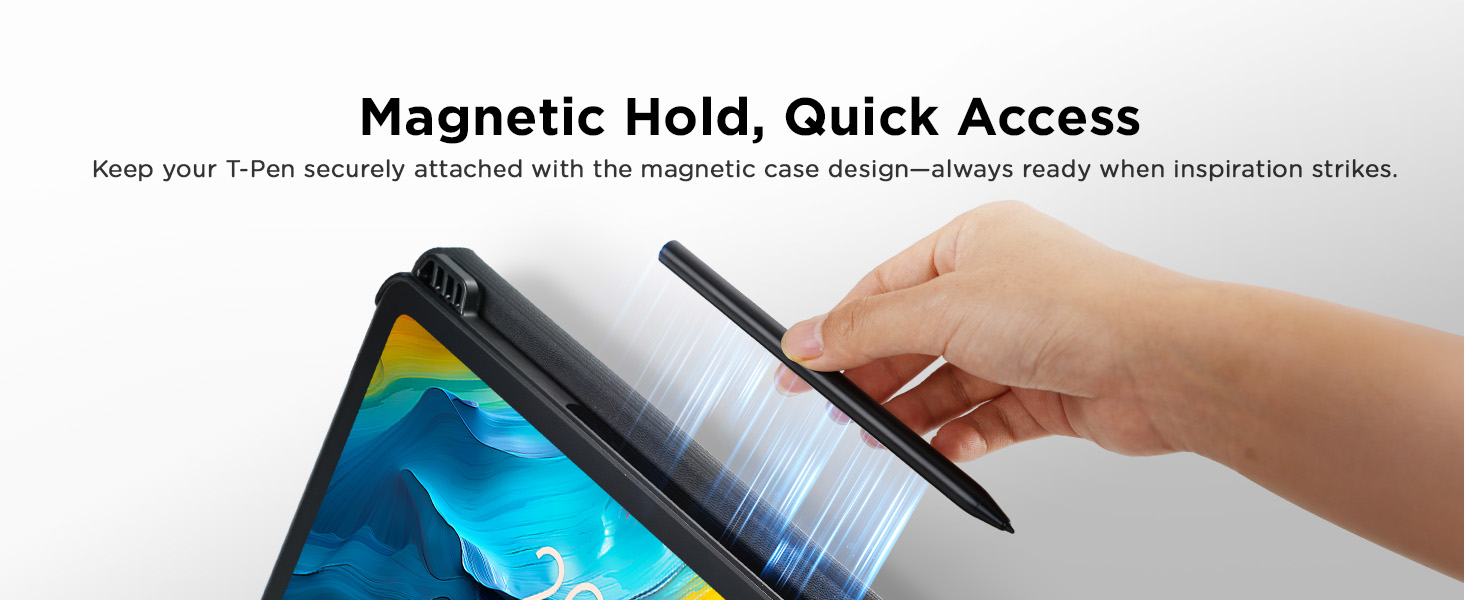
TCL T-Pen Stylus
|
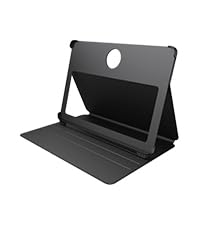
TCL Flip Case
|
|
|---|---|---|---|---|---|
|
Customer Reviews
|
288
|
38
|
116
|
52
|
21
|
|
Price
|
$169.99 |
$239.99 |
$179.99 |
$39.99 |
$29.99 |
|
Screen Size
|
6.8″ |
11.5″ |
11″ |
— |
— |
|
Display Tech
|
NXTPAPER 3.0 |
NXTPAPER 4.0 |
NXTPAPER 4.0 |
— |
— |
|
Display Modes
|
4 |
3 |
3 |
— |
— |
|
ROM
|
128GB |
256GB |
128GB |
— |
— |
|
RAM
|
8GB + 8GB RAM Expansion |
8GB + 8GB RAM Expansion |
8GB + 8GB RAM Expansion |
— |
— |
|
Battery
|
5010mAh Battery |
8000mAh Battery |
8000mAh Battery |
— |
— |
|
Reverse Charging
|
✔ |
✔ |
✔ |
✘ |
✘ |
PHP –
TCL NXTPAPER 14 Android Tablet – A Game-Changer for Media and Reading Lovers
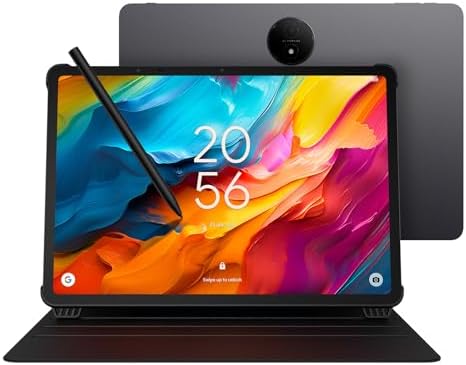
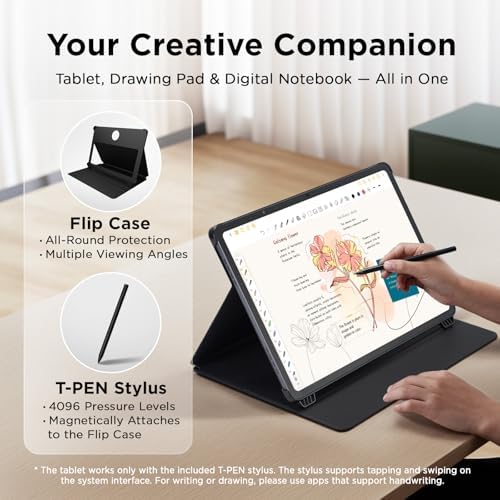
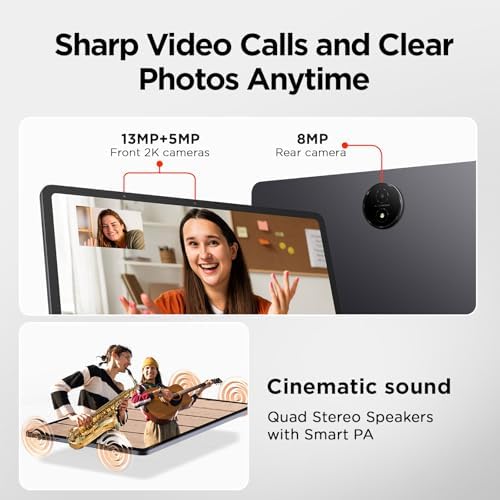
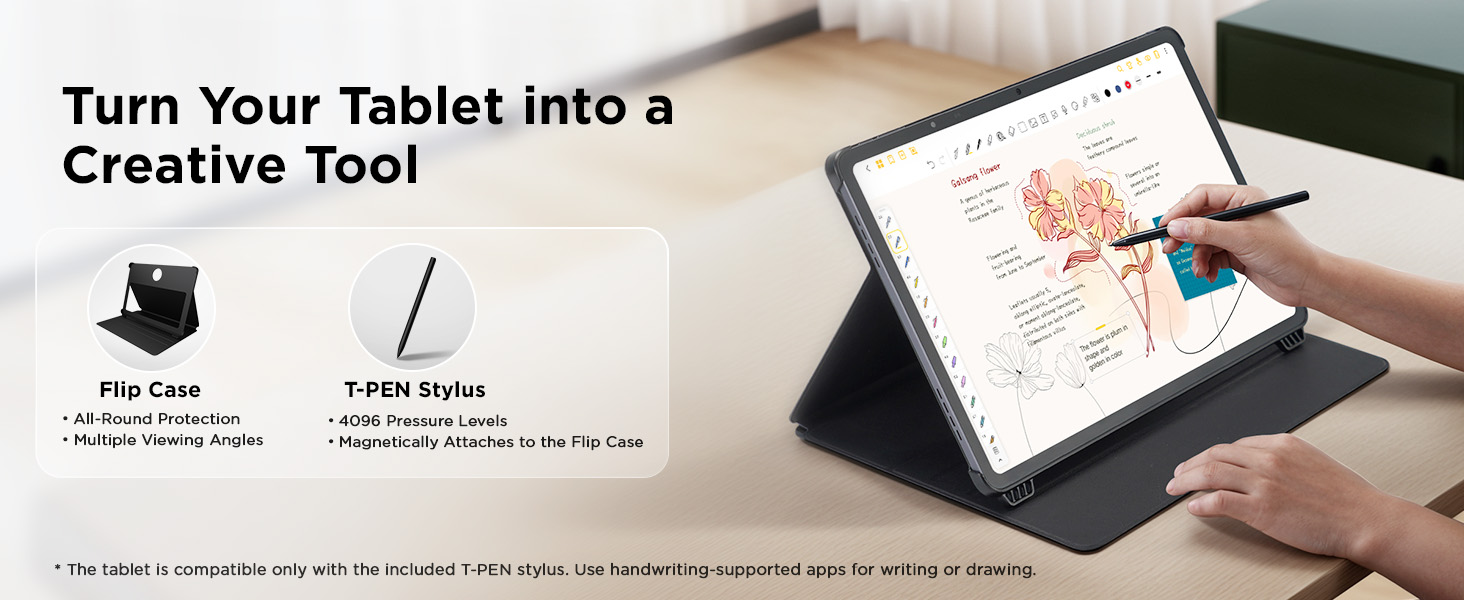
I’ve been using the TCL NXTPAPER 14 Android Tablet, and I have to say—it’s an absolute standout in its category.📱 DisplayThe humongous, clear, and sharp display is easily one of its best features. Whether I’m reading eBooks, browsing the web, or streaming content on YouTube, Netflix, or Hulu, the screen delivers vibrant visuals with excellent clarity. It’s large enough to comfortably multitask or enjoy immersive viewing without straining your eyes.🔊 AudioThe speaker output is impressively loud and crisp, making it perfect for watching videos or listening to music without needing external speakers.📖 Reading ExperienceReading on this tablet is on another level. Thanks to the ability to switch between different display modes, I can adjust the screen to suit various lighting conditions or reduce eye strain—especially helpful during long reading sessions.✍️ Bonus FeaturesTCL includes a stylus pen and a case, which is a huge bonus. The stylus is responsive and great for note-taking or sketching, and the case adds protection while doubling as a stand for hands-free use.💡 More Than Just the BasicsThis tablet isn’t just for casual use—it’s powerful enough to handle more than the basics, whether you’re working, studying, or enjoying entertainment.Highly recommended.
7 people found this helpful
Jimmie Junior –
Great performance and value
An amazingly versatile tablet with a very clear touch screen, really light with a super sized screen. Great battery life and recharges quickly.The 8+8 gigabytes of RAM allows me to play all my favorite games and apps with ease.I also have the latest version of the IPad Air 13” tablet. Cost me 3 the price of the TCL. I find myself using the TCL more than the IPad and planning to return it.I highly recommend the TCL tablet, outstanding quality and value week under $500.
10 people found this helpful
D1 –
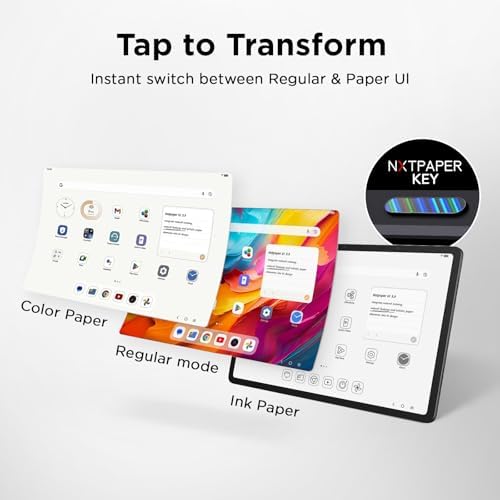
NXTPAPER 14 is great but NXTPAPER 11 Plus may be better
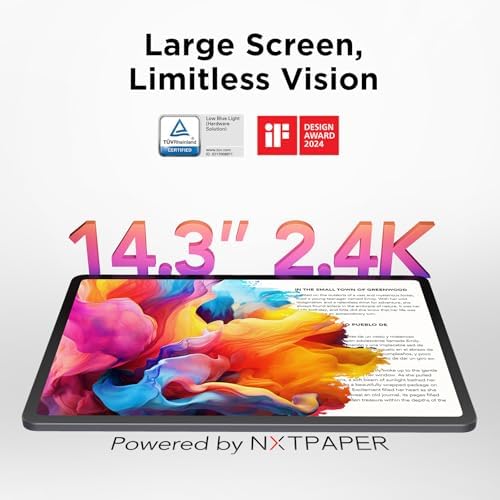
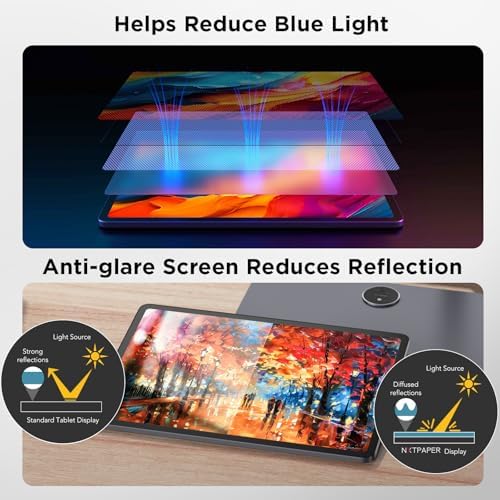
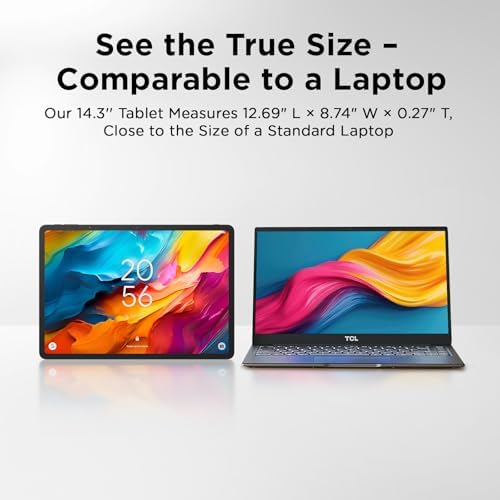
I purchased this tablet excited for its NXTPAPER display technology, with smart eye comfort offering a paper-like experience thanks to its anti-glare display, blue light filtering and DC dimming, which helps reduce eye strain during extended use. I like that there is a physical button that allows you to switch between 3 modes. Regular mode, which is the most crisp and vibrant of the three modes. Good for streaming videos. Ink paper mode, which I like a lot for reading. And there’s a Color Paper mode, which softens the color combined with the matte finish gives it an interesting look for digital art and comic books if you are into that. Sound is pretty good. The case does not magnetically close. And there are currently no other case option available to purchase at this time. I did not test the pen, so I cannot comment on that.It’s not the fastest tablet. But this a entry-level to mid-range tablet, It is not expected to compete with an iPad. The refresh rate is only 60Hz. If you want 120Hz you will need to purchase the 14 Pro, which I don’t believe is available in the US. But for what I use it for, not having 120Hz is not too noticeable. This tablet is using the older NXTPAPER display technology 3.0. It is not using their latest 4.0., which is an unfortunately big miss on TCL.I primarily purchased the tablet for reading articles, books, music sheets, web surfing and occasional YouTube videos. The matte finish NXTPAPER display technology, with smart eye comfort is great on my eyes. This feature alone is a game changer. However, I find this tablet to be a little too big, heavy and uncomfortable in the hand. It weighs 757 Grams. The iPad Pro 13” M4 weighs 582 Grams for comparison.I think the nxtpaper 11 plus with NXTPAPER 4.0 display may be a better fit for me.Pros:NXTPAPER display technology, with smart eye comfortAnti-Glare display is very good3 modes: Normal mode, Ink Paper mode and Color Paper modeGood soundCons:A little too big 14.3”Heavy at 1.67 pounds (757 Grams)Only 60Hz refresh rateNot using the latest NXTPAPER display technology 4.0.
49 people found this helpful
Muti007 –
Ridiculously nice
There is no reason why any tablet at this price point should be this nice. Metal construction, paper like finish with no glare, 14.3 in screen, not heavy and incredibly sleek to look at. Even comes with the top-notch cover. I got it on sale for 333 almost exactly. Even at 4:50, I would recommend this to anyone without hesitation. But if you can wait for them to get Mark down again for half a day or so, keep an eye on this one if you’re in the market for a tablet. This is my third or fourth tablet, and I always thought the other ones were pretty good. I was wrong. They were almost good, and this one is just outstanding. Tcl should give me a couple of bucks for saying that, lol. Just an outstanding device and I couldn’t be happier with it, doubly so because I got it at what I consider to be a very decent price.
24 people found this helpful
Roman Smolkin –
Good but far from perfect
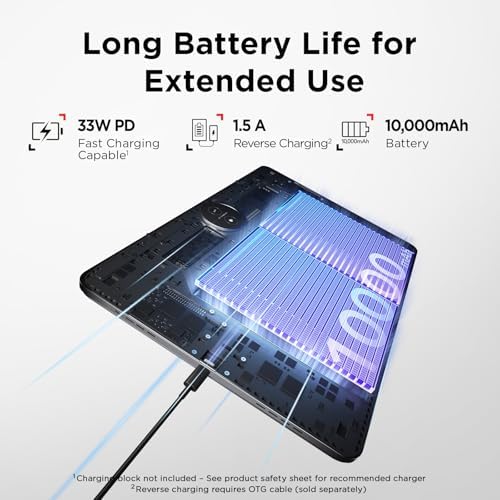
I thought the battery would last a lot longer in paper modes, but I think it just makes it a little easier on the eyes but does’t save any battery like other e-paper displays that last much longer. The matte screen is pretty cool, while not as bright as some other tablets, it’s sufficient… The size is pretty awesome, it’s bigger than the biggest Apple iPad I think. Pen could be better, but again it’s sufficient, doesn’t actually come with any note taking software pre-installed, and has to be purchased, unlike Samsung or Apple tablets. Also, the cover is not magnetic, so it often slips for me, but better than not having one… Kinda wish the cover also had a keyboard like many others. I actually thought about returning it mostly becuase I hoped it would be more like e-ink with very long battery life, but I decided to keep it pretty much only because I like the screen size and it’s not too expensive of a tablet.
19 people found this helpful
L. Fairall –
Excellent tablet with a good price
I wanted a larger tablet but didn’t want to spend a fortune. This is great. Unlike some reviews I have no problems with videos playing even at high resolution. I love the three modes of color, great for reading news. I switch back to full color when surfing. The battery life seems good, the system is very responsive. The cover that comes with it is not the best, I’m looking for a cover that’s a little bit heavier to replace the factory cover. Be aware there’s no SD card, but who cares? It’s not a workhorse and it’s not a flagship; it’s just an affordable Android tablet.
4 people found this helpful
Michael AnonuevoMichael Anonuevo –
Finally! The best tablet for reading sheet music!
I’m a saxophone player and a hobbyist who plays mostly for fun at home and for recording projects. About six years ago, I went on a search for the best tablet for reading sheet music and eventually settled on an iPad Pro using ForScore app. While it was very expensive, it did meet my needs at the time.I always used it in landscape mode with a two-page view because I absolutely hate swiping to turn pages—even with a Bluetooth page turner. I prefer seeing two pages at once, which is how I’ve always formatted my Finale and PDF sheet music. It worked well enough, but I always wished for a bigger screen.Then along came this gem.This TCL tablet has a gorgeous 14″ screen with a paper-like display that is perfect for reading music. I honestly can’t believe the price I paid for it during the 2025 Black Friday sale. While it’s marketed as an eReader, TCL should also be advertising it as an ideal tablet for musicians. I wouldn’t be surprised if more musicians are starting to discover how great this is for sheet music.I use this tablet exclusively for reading music with MobileSheets app, and it has completely replaced my iPad for that purpose. Huge thanks to TCL for making such an incredible product. If they ever release an even larger version, I would buy it in a heartbeat.Highly recommended for musicians!
6 people found this helpful
Amazon Customer –
great screen & display but software package is lousy
I bought this tablet on black Friday. My main use case would be reading/editing PDF files/docs. So the e-ink/paper like feature and a big screen display for eye comfort is the most important factor. The 3-mode display fits my need perfectly. In addition, its big battery capacity is a big plus. Although there is no 3.5mm audio jack, I can still use the usb-c port for my earphone so it is fine. The non-perfect part of this tablet is its software setup. I tried to open google play store but it’s stuck at the setup and never complete. Finally I figured that the only way to open the google play store app is through settings -> apps -> google play store, clear the cache, then start the app within the settings. Strangely enough, you can’t start the google play app by tapping its icon from the home screen. Hopefully they will fix this in their future updates.
3 people found this helpful
ALF –
Almost perfect for me
I’m a musician. I play woodwinds in multiple ensembles. I wanted to organize my music with a tablet computer instead of a bulky 3 ring binder. I have been shopping for about three years to find the best fit. The TCL NXTPAPER 14 had all but one feature I wanted (not a deal breaker). The price was low enough I did not hesitate. The surface is matte, just like paper. Easy to set up. Connected my WiFi without problem. Battery life seems to be excellent. I left it in a bag turned on for 24 hours, and it had more than 50% charge. I bought the 14 to have the near-paper-sized vertical display. It might be too big if you want something to read books. It has pretty good audio, so you can watch and listen to media. It comes with a stylus. I have not tested the stylus for writing or art. It worked fine for my music reading app. There are three(!) display modes. “Regular” mode is what you want for movies. “Color Paper” mode is less saturated color, like a comic book. “Ink Paper” is strictly black and white, looks almost like e-ink. The problems I have are minor. The magnet that is supposed to hold the stylus is very weak. The viewing angle of the screen is pretty narrow. It’s probably too big and heavy to substitute for a e-book reader. This tablet imitates e-ink display but uses a different type of display. The black and white mode and matte surface of the NXT 14 is close enough.
14 people found this helpful
New user –
Like it a lot
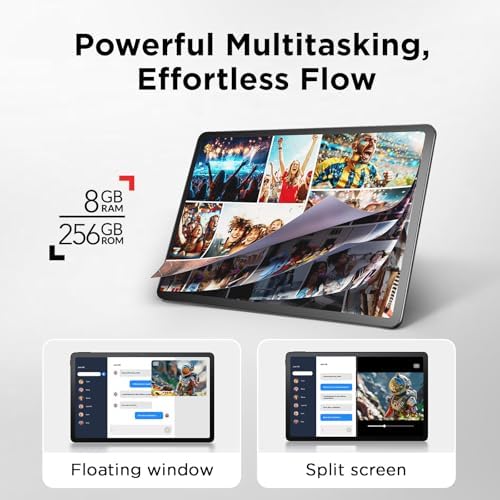
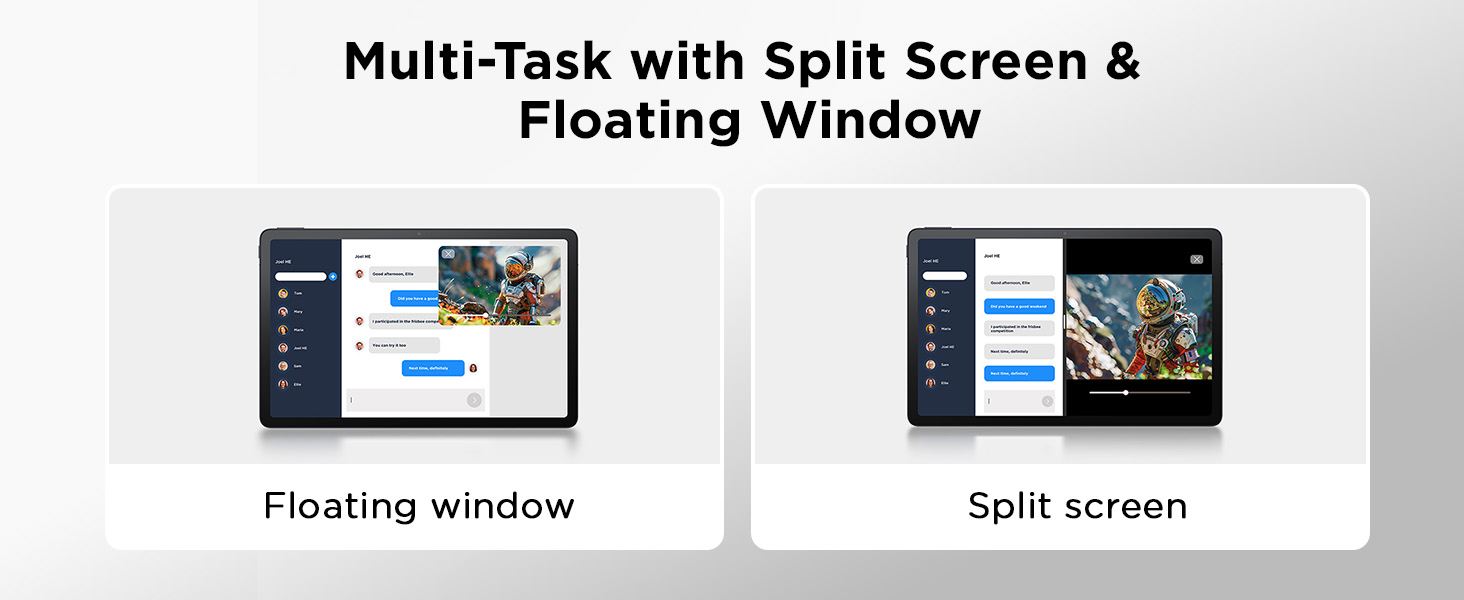
This is a budget tablet. If you can catch it on sale, do so. It does not have Android 15 or the best processor. Not the fastest tablet by far.That being said, I like it a lot, an awful lot. The screen size is huge so I use the split screen feature to make surfing web and watching YouTube so much more enjoyable. Something I watch a movie and surf the web. When I am cooking in the kitchen, I watch movies or videos full size. The 2K movie quality is very nice. I want to return it, but can’t because I am simply enjoying it so much. I believe you will as well. Just keep your expectations in check.